

Agora Embedded Wallets let your organization hold, mint, redeem, and send AUSD and other stablecoins directly from the Agora Platform, with no external wallet to set up. When we launched embedded wallets in September, you could set up one wallet per organization. Now you can create up to five addresses on the same Agora wallet, and two people on your team can each approve transactions from them.
Why we built this
Most organizations do not want all of their stablecoin activity on one address. Operating funds, reserves, and client money are easier to manage when each has its own address and history. Until now, that meant creating and connecting multiple external wallets by hand.
A wallet with one signer is also a single point of failure. If that person is traveling, out sick, or no longer with the company, the funds could get stuck. Teams asked for a way to add a second signer and to remove a signer when someone’s role changes.
Create more Agora wallet addresses
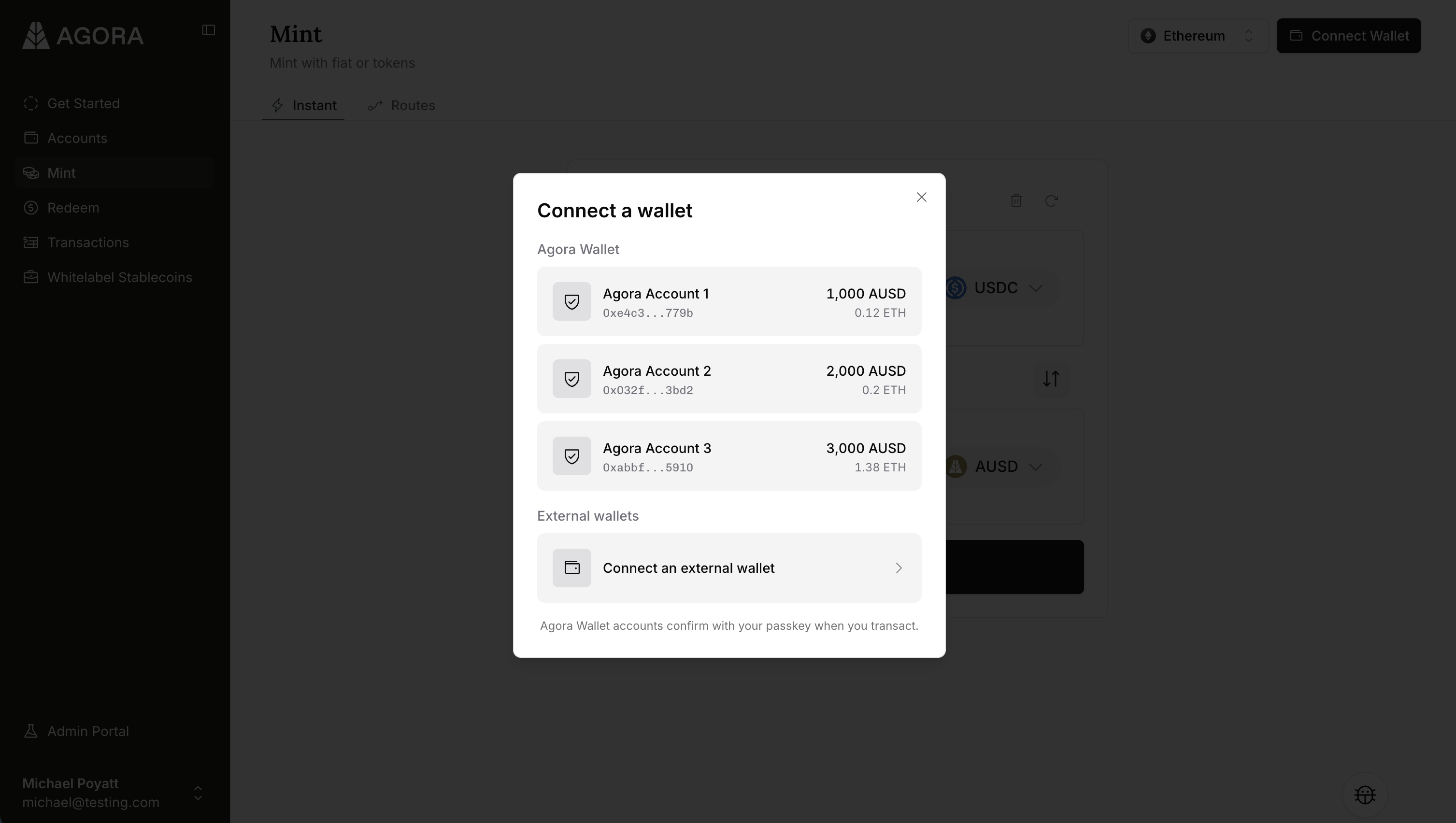
On the Accounts page, under Blockchain Addresses, choose Add Blockchain Address, then Agora wallet. Each new address has its own balance and activity. However, they all share your existing passkey, recovery phrase, and signers, so each new wallet address adds no overhead. We support up to five embedded wallet addresses, and each can be renamed after creation.
Every wallet address is also available for use with instant liquidity.
Invite a second signer
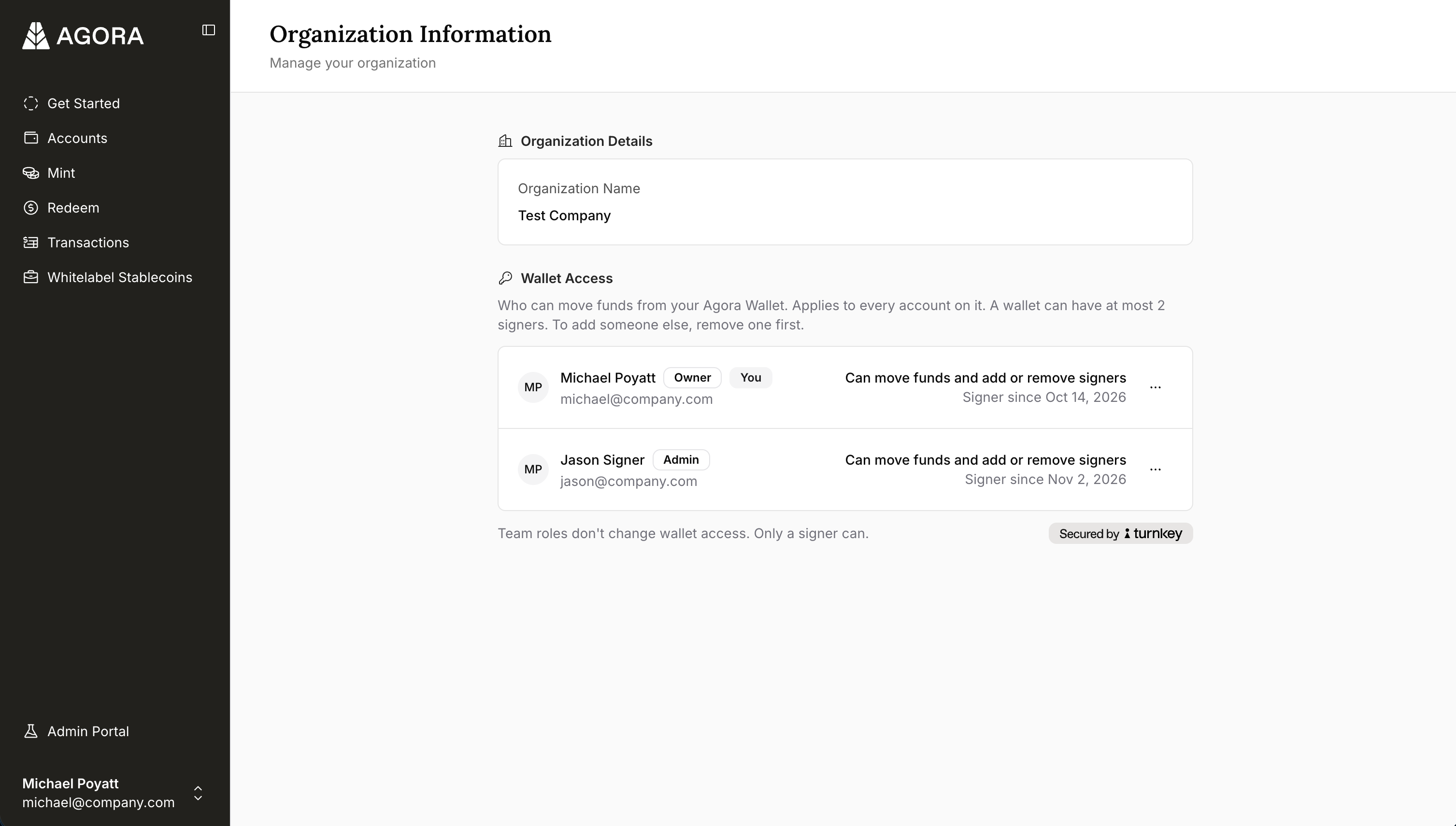
A signer is someone who can approve transactions from your Agora embedded wallet. Until now, that was the person who set up your wallet. You can now have two, and either of them can move funds on their own.
Signers are managed under Wallet Access on the Organization page, available to Owners and Admins. To invite someone, an existing signer picks a teammate who holds the Owner or Admin role and confirms with their passkey.
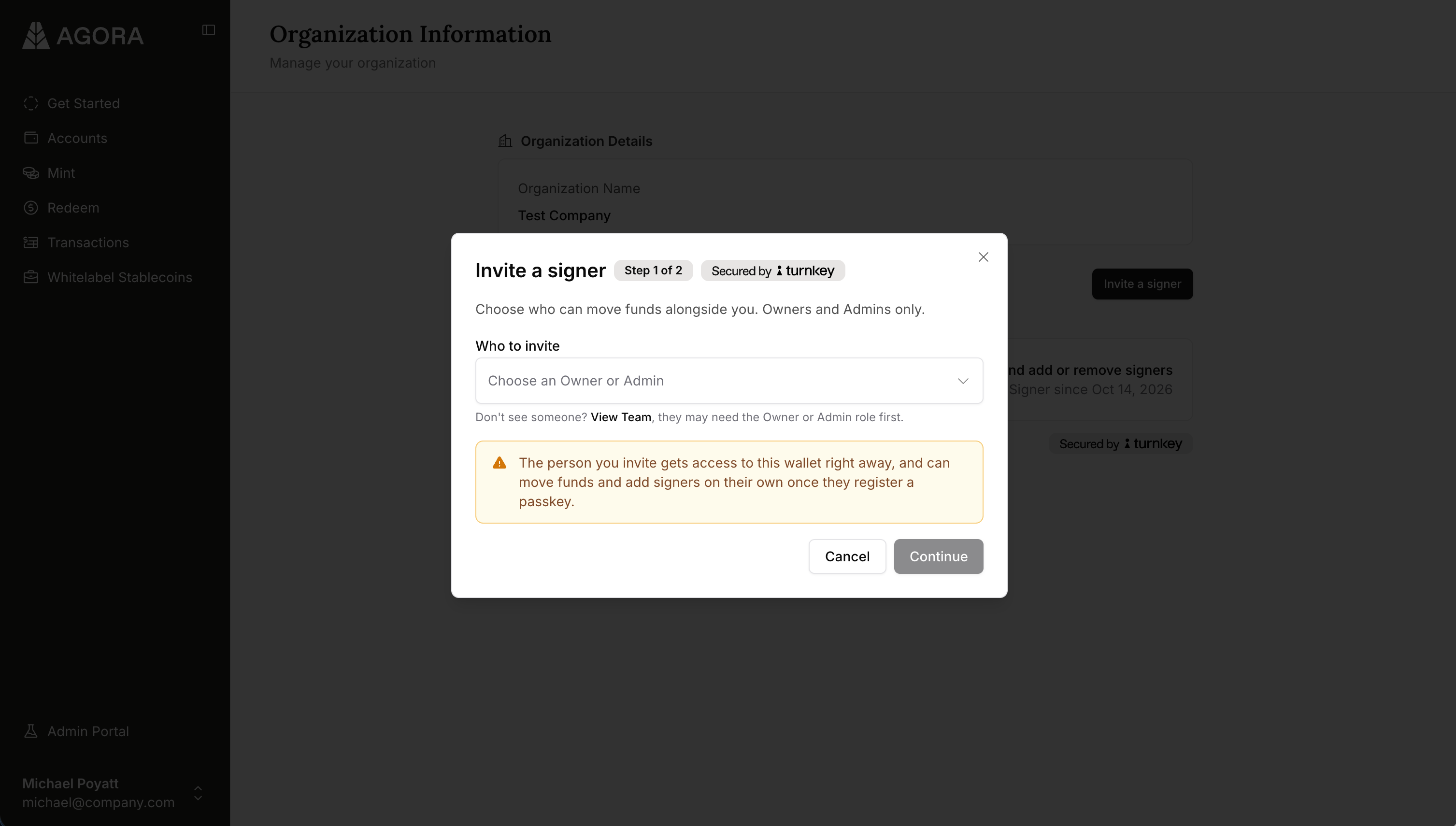
The invitee receives an email, enters the one-time code inside, and creates a passkey. From that moment, they can approve transactions from every Agora wallet address your organization has, as well as add and remove signers themselves.
Remove a signer
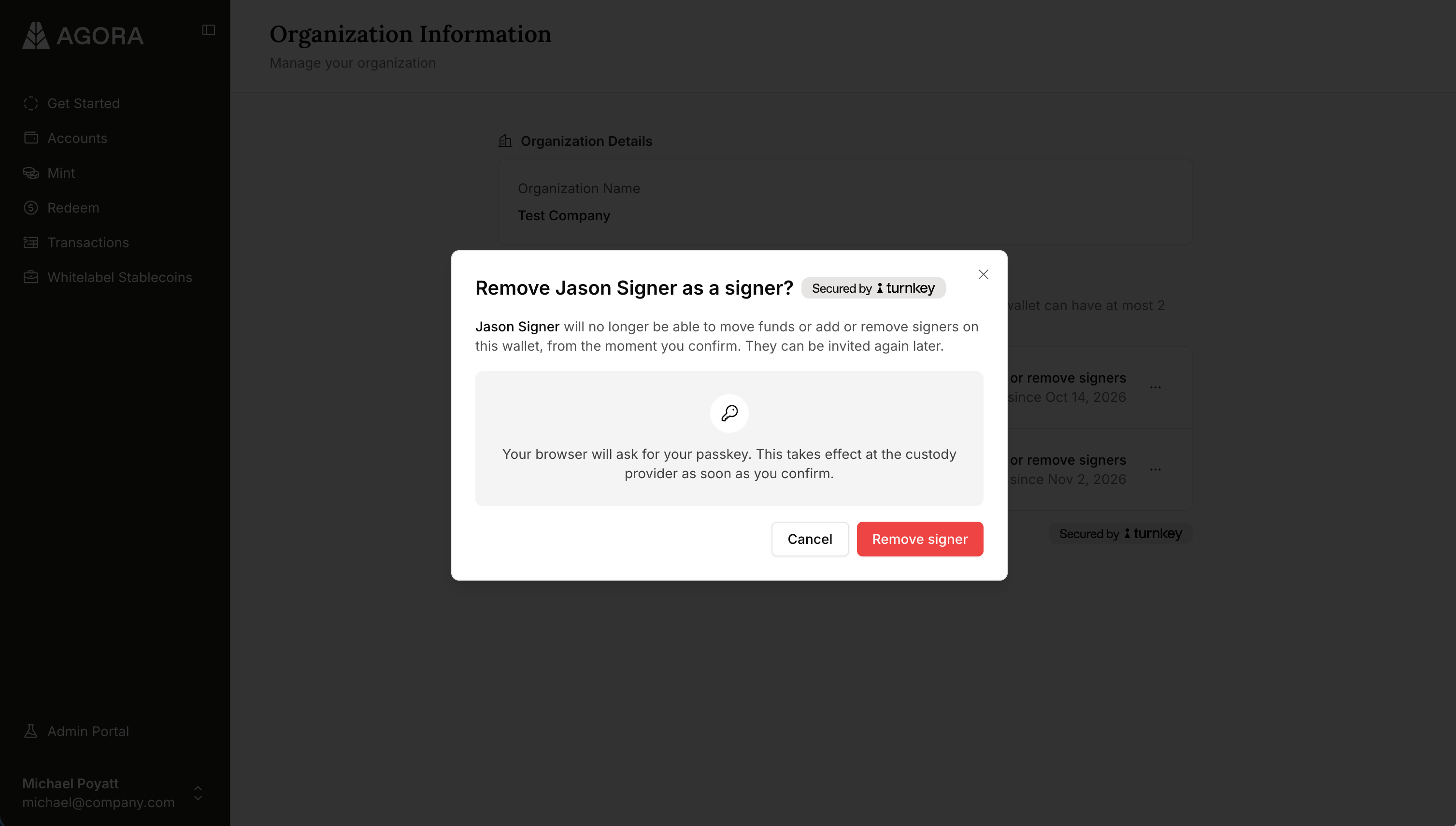
When someone changes roles or leaves, you can update wallet access right away. From the Organization page, a signer can remove the other signer, cancel a pending invitation, or step down. A removed signer can no longer move funds or manage signers.
Passkey resets and SMS recovery
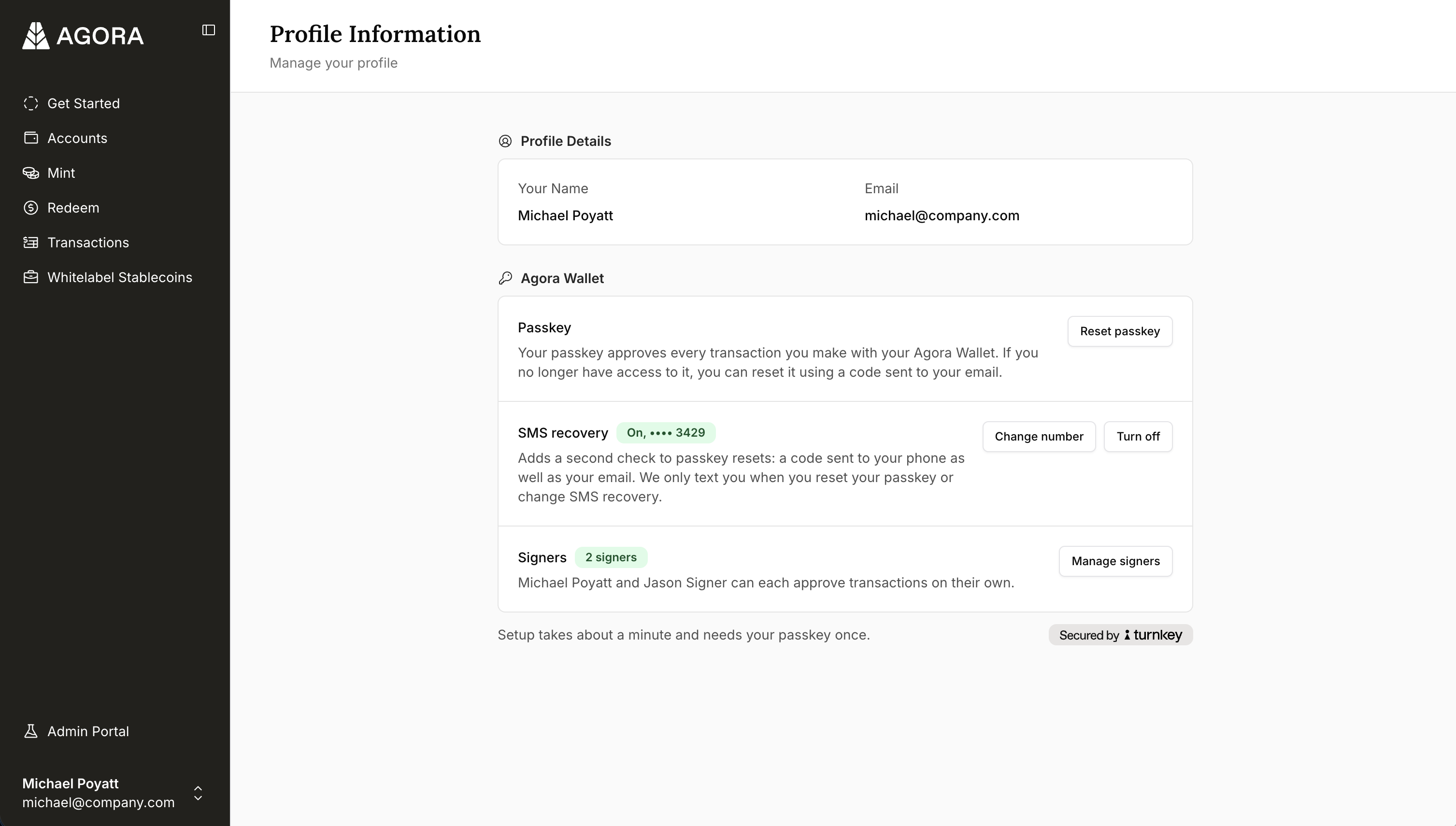
If you lose the device your passkey is on, you can reset it from your Profile under “Agora Wallet”, or select “Lost your passkey?” at sign-in. We will email you a code to create a new passkey on your current device.
By default, resets are verified by email only. We strongly recommend every signer also turn on SMS recovery for an added layer of security. We only text you when you reset your passkey or change your SMS recovery settings, never to approve transactions. You can turn on SMS recovery from your Profile page.
Get started with Agora
If you are interested in using our platform and getting involved in the AUSD ecosystem, please contact our team. You can also reach out to us with any questions or feedback on X at @withAUSD, on LinkedIn at Agora, or via our website.
We’re hiring!
We’re building modern money and banking for global business. We are always looking for teammates, so take a look at our careers page.
AUSD is issued by Agora Bermuda Limited which is regulated and licensed by the Bermuda Monetary Authority to conduct digital asset business activities in and from within Bermuda. Agora Bermuda Limited holds a Class F license to issue, sell or redeem virtual coins, tokens or any other form of digital asset.